

Service Invoicing Software For Your Field Service Teams
Create workflows to automate invoice creation and empower your field technicians to collect payment at the job site for a more streamlined invoicing process.
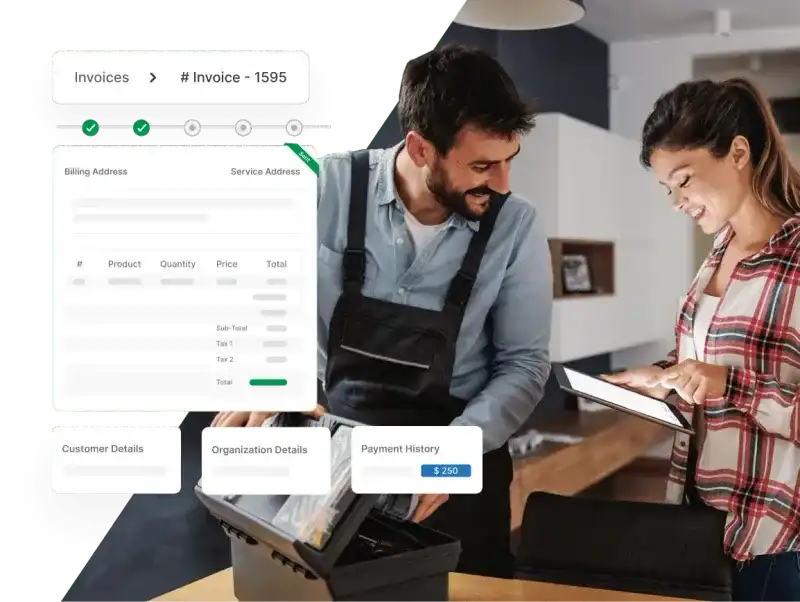
Automate Invoice Creation And Make It Hassle-Free For Field Service Teams
With Zuper, field service technicians and back-office managers can say goodbye to maintaining multiple spreadsheets, paper customer invoices, and slow customer approvals. Automated invoice creations from approved estimates eliminate human intervention and its associated errors.

Collect Payments Faster With Easy-To-Use, Customizable Invoice Templates
Convert your job estimates to invoices with an automated system and collect payments instantly through a free, built-in payment gateway. Keep your current process intact and billing consolidated within your account management software.
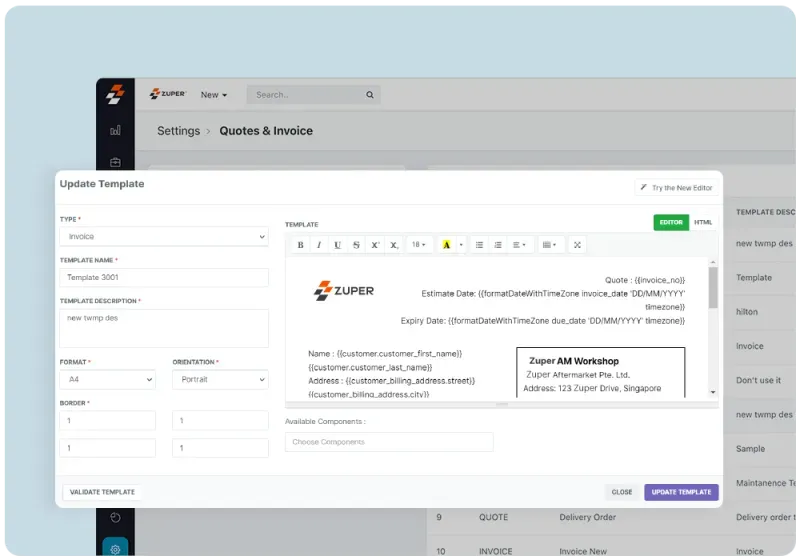
- ✓ Create invoices that resonate with your brand by adding your logo, branding, disclaimers, or extra details
- ✓ Manage configurable payment terms, cost quantities, and down payment thresholds with a few clicks
- ✓ Share invoices directly with your customers via email or text
- ✓ Save your time by creating recurring invoices and automating payment collection
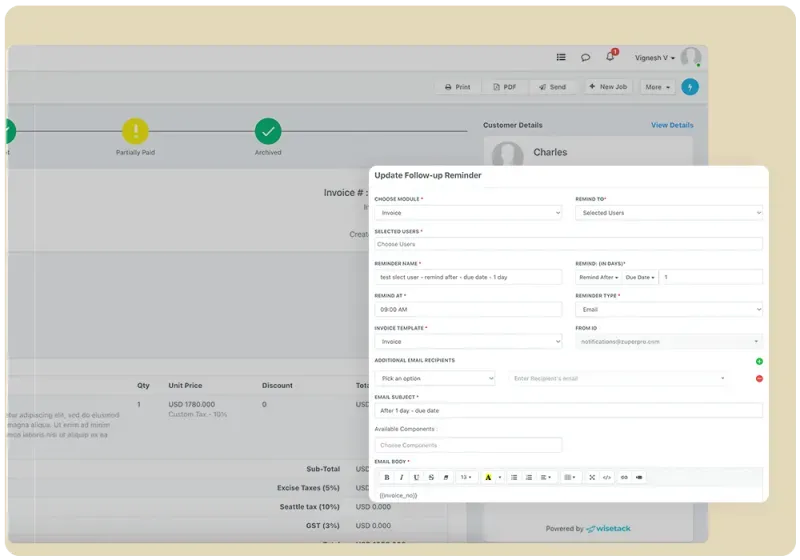
Track Invoice Statuses And Send Timely Reminders
Achieve a quicker service-to-cash cycle in your field service operations with Zuper’s intelligent invoicing app. Schedule automated reminders for overdue payments, so your invoicing schedules won’t ever slip through the cracks.
- ✓ Send text or email follow-ups automatically for overdue bills
- ✓ Search invoice history to see what invoices are pending and which are awaiting payment
- ✓ Help customers manage their bills by splitting them or making partial payments across multiple invoices
- ✓ Set up automated process workflows and collect payments digitally through a centralized customer portal
Facilitate Real-Time, Digital Payments To Protect Your Bottom Line
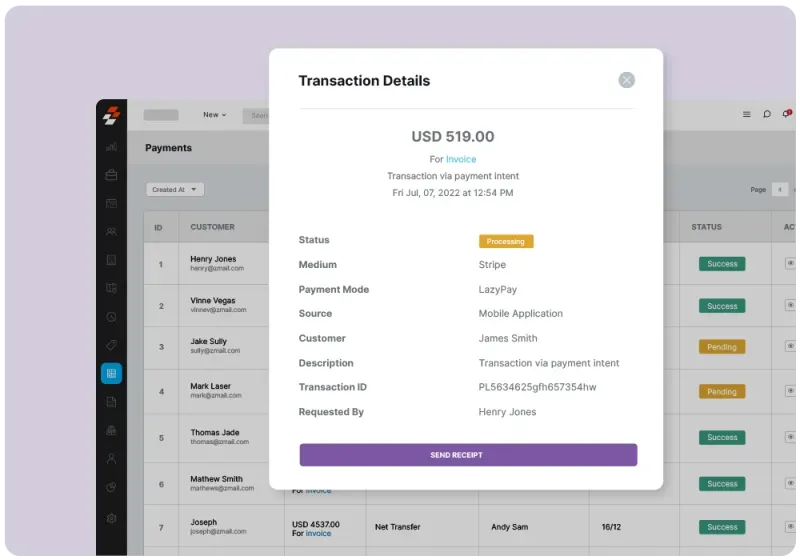
Ensure a hassle-free, on-the-site payment process by sending digital invoices and automating customer receipts through different payment integration like Stripe. Collect deposits and get the customer’s payment details on records before the job begins.
- ✓ Stripe integration allows secure and easy payments, without any paperwork
- ✓ Ask for full or partial payment upfront through bank/ACH and mobile card reader
- ✓ Eliminate manual reconciliation by matching electronic payments to bank reports
- ✓ No hidden or extra fees by Zuper
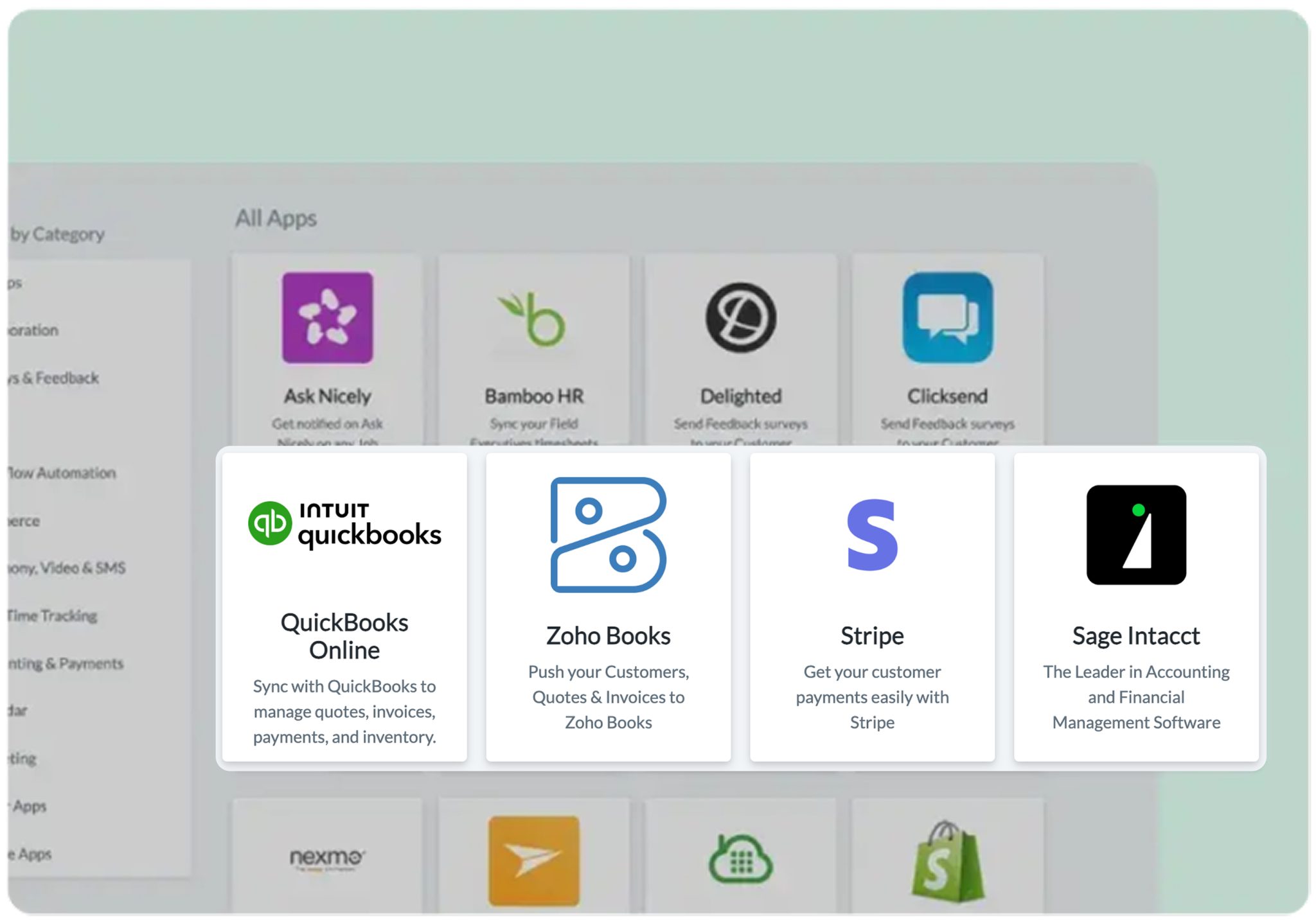
Sync With Any Accounting Management System
Combine Zuper with the top accounting management software like Zoho, QuickBooks, or Xero for seamless data flow and efficiency in cost, time, and job tracking.
- ✓ Push your invoices into the software to reconcile and track profitability.
- ✓ Sync all details including line items and payments to stay on top of your bookkeeping.
- ✓ Import invoice history without any hiccups from QuickBooks or any other accounting software.
- ✓ Group your timesheets and expenses for a simplified view of each invoice.
- ✓ Customize ERP integration for better decision-making and higher customer satisfaction.
- ✓ Configure and manage taxes for multiple jurisdictions.
Get Bigger Jobs With Instant Approvals For Customer Financing
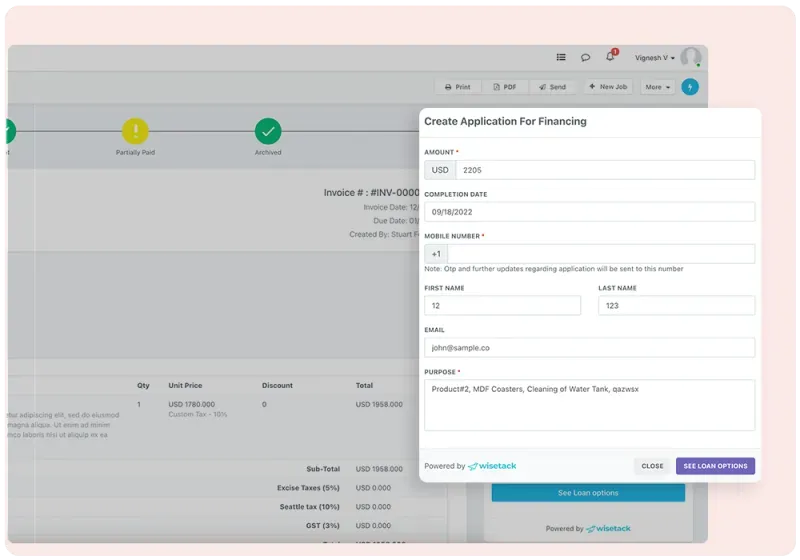
Zuper helps your customers apply for immediate financing through Wisetack, get instant approvals, and protect your margins. Our simplified procedure allows you to break up total costs into smaller monthly payments.
- ✓ Track what your customers can borrow before finalizing the contract
- ✓ Customers can apply instantly from their mobile phones without wasting time on long forms
- ✓ Pull customer data from profiles in your system and speed up the financing process
- ✓ Provide multiple financing options to your customers
Fast-Growing Service Organizations Love Zuper!